The blocker you can't talk yourself out of.

Pick a time, from 25 minutes to 30 days, or set your week once and it starts on its own. Until the timer ends, there is no stop button.

Download for Mac See what stays open

Free for 14 days, no card. Then $49 once. For Mac, and your iPhone locks too.

youtube.com
Locked
youtube.com
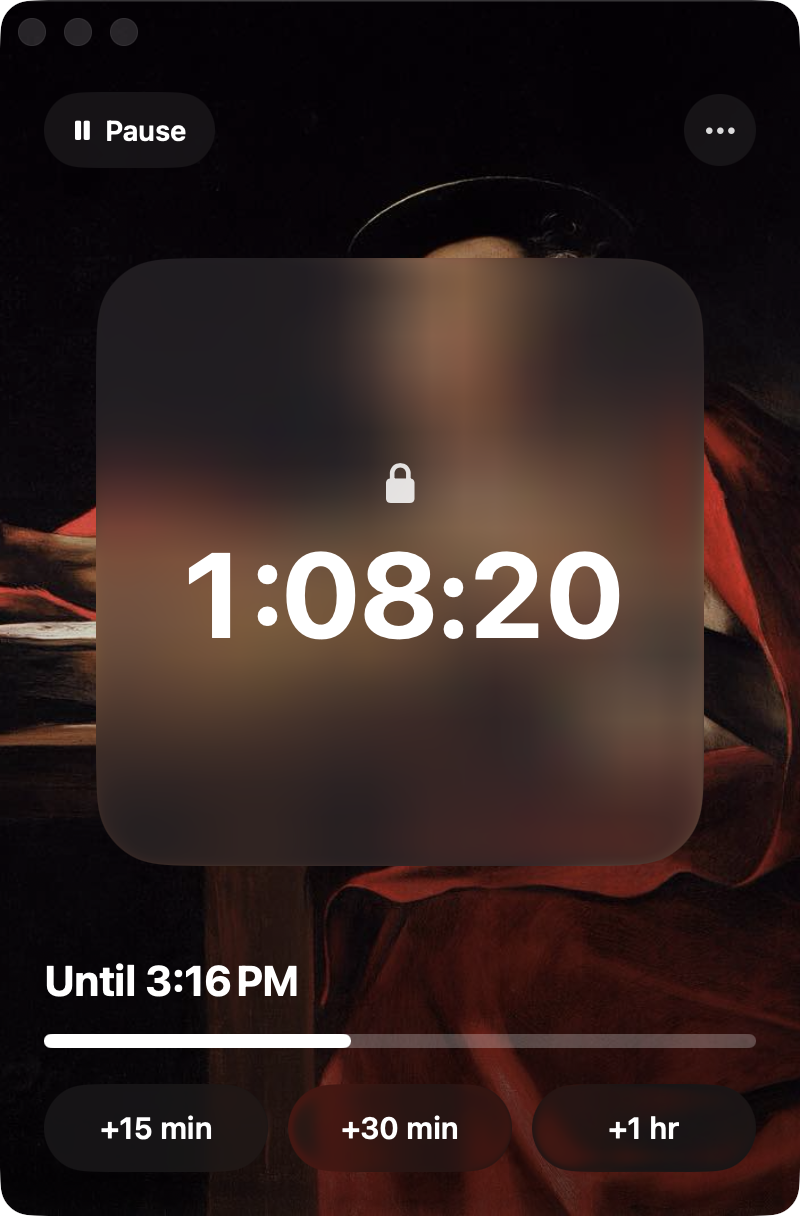
1:08:20
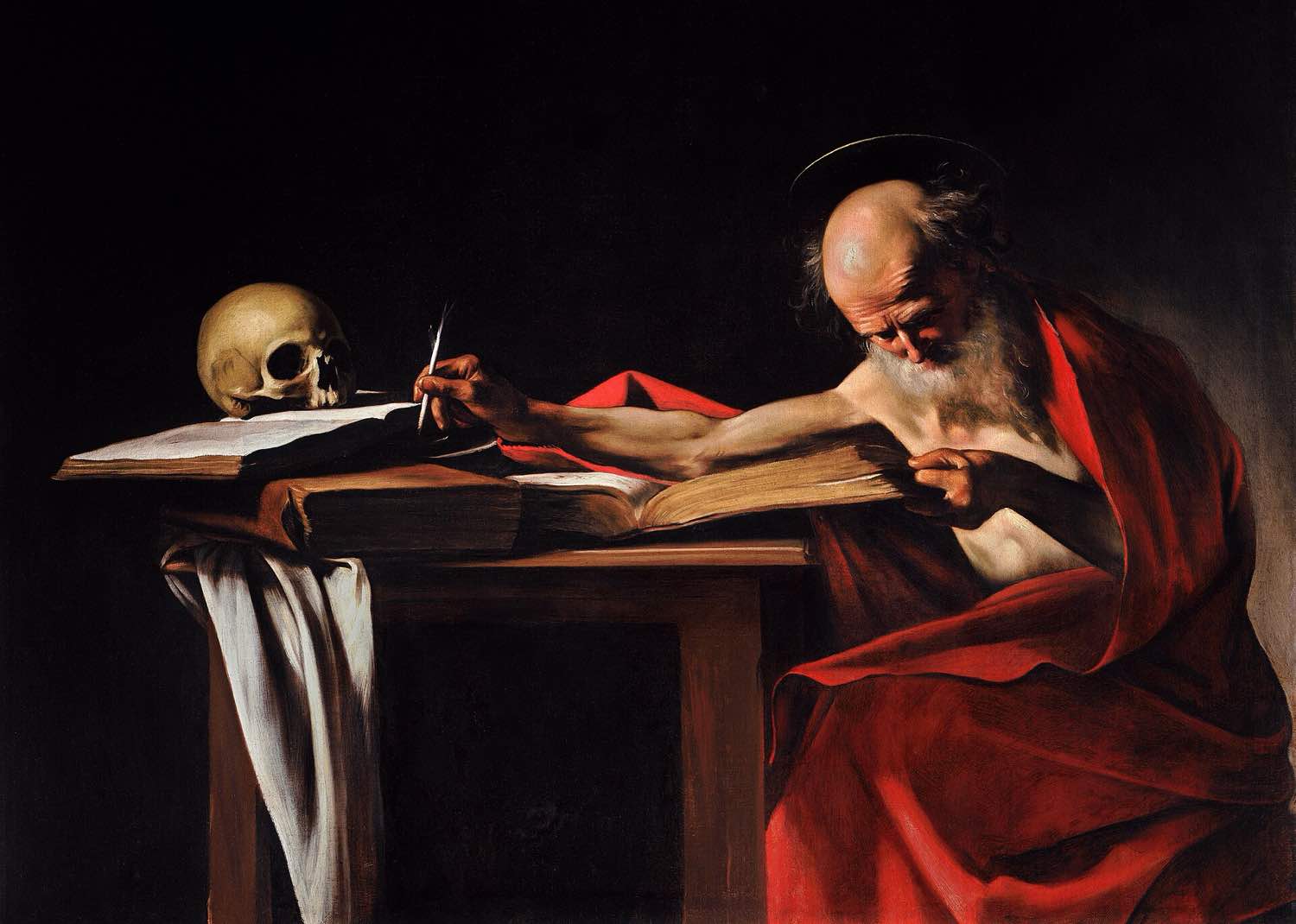
Finest Hour counting down over a painting
530,000sites on the lists
30 dayslongest lock
1 minto set up, with one password
2 secand a blocked app closes itself

Why it holds

Other blockers ask nicely.

Screen Time has an Ignore Limit button. A browser extension is two clicks from gone. With Finest Hour, your Mac holds the lock, not the app, so anything you change is put back within two seconds.

No stop button

Quit the app and the block stays. Restart the Mac and it comes back locked. Set the clock forward and the timer keeps its own time.

It locks at once

Big sites and your open tabs lock within a second of Start. A YouTube tab you left open turns into a painting.

A VPN won't help

VPNs, Tor and other ways round a block are shut. An app from a list you ticked, like Steam, closes within two seconds. Private windows and a second browser don't help.

Apple has checked and signed it. What it installs

Blocked

What locks, and what doesn't.

Six lists cover about 530,000 sites and their apps: Social, Games, Video, News, Adult and Gambling. Tick the ones that pull you in. Slack, Zoom, Mail, Dropbox and your own files are on no list.

0:129:41

Press it. Watch the Dock.

Go on, try to stop it.

What stays open

Strict on the feed. Loose on your tools.

A list shuts a whole site. A rule keeps open the part you need. Pick your work and turn on the rules.

Your rules

During a session

Every browser you use

Safari, Chrome, Arc, Firefox, Brave, Edge and Vivaldi stay open, with the same rules in each. Private windows too.

One Discord server

Tick Social and the Discord app closes. In a browser tab, a rule can keep your course's server open.

Your work VPN stays

VPNs for dodging a block are shut. The one your university or employer gave you still works.

iPhone

It locks your iPhone too.

Start on the Mac and the same lists lock on your phone. The apps go grey, and nothing on the phone can stop the timer. You can start one from your phone too.

  • One timer for both screens
  • Calls, Messages and Maps always work
  • Shortcuts, links and Terminal can start one too

Focus
Thursday, 19 November
2:41
Locked1:08:20
Finest Hournow

Your Mac is locked until 3:50 PM.

QUIET

Made for the long sit

Three hours on one problem.

Before phones, a library reading room had nothing to check. While the timer runs, neither does your Mac.

Research

The studies behind the lock.

Six studies on attention and screens, three on adults and three on teenagers. None tested Finest Hour.

47%

of the day, the mind is somewhere else

Minds wandered 46.9% of the time across 2,250 adults, and they were less happy then.

89%

set a limit when offered one

Over 12 weeks and about 2,000 people, limits people could snooze lost over half the time they meant to save.

40

studies link problem internet use to weaker self-control

Across 2,922 people, those affected did worse on tests of attention, decisions and short-term memory.

University of CambridgeSource
2×

the rate of new attention problems in heavy users

Of 2,587 teens over two years, 9.5% of the heaviest screen users got ADHD symptoms, against 4.6% of the lightest.

3 hrs

of social media a day is linked to anxiety and depression

Of 6,595 US teens over a year, those above three hours reported more symptoms than non-users.

1 hr 57

of phone a day, then well-being starts to fall

Across 120,115 fifteen-year-olds in England, it peaked just under two hours of weekday use.

Count it

What does it take from you?

Be honest. The sums are yours, not ours.

3 hr
46whole days a year
19%of every waking day
14working weeks back, if you lock half of it

Compared

Next to Screen Time and extensions.

Screen TimeBrowser extensions
You can't switch it off mid-session
Blocks apps as well as sites
Works in every browser at once
Clears tabs that are already open
Starts by itself at a set time or place
Someone else can hold the key
Limits per site, app or list
Locks your iPhone in the same session
Locks for up to 30 days

Ways out

Three ways out. None of them quick.

Most days you wait for the timer. The pause is for something that can't wait. The passage is for an emergency: type 300 to 500 characters from a book you choose, exactly. Try it below.

0:00The timer ends when you said

Tap the pause or the passage to switch it off for a session.

Click here and start typing0 / 0
Hamlet, William Shakespeare0 slips

Limits

What it won't stop.

You'd find these out anyway.

The repair screen

It is your Mac, so someone who knows Macs well can undo the lock from its repair screen. That takes longer than doing the work, which is the idea.

A few side doors

Remote-control apps and System Settings stay open unless you turn on Close System Tools. A setting that sends your browsing through another computer still works if it was on before Start.

The first minute

Big sites lock in under a second. The full lists take about a minute to load, so a little-known site can open in that minute.

Price

Pay once. Keep it.

Try every feature free for 14 days, no card needed. Then pay once in your own currency. No subscription, no account.

Trial

Free14 days
  • Every feature, 30-day locks included
  • No card, so nothing to cancel
  • Mac and iPhone
Start the trial

Finest Hour

$49once
  • Mac and iPhone, every update
  • Your money back within 30 days
  • A proper receipt, tax shown
Download for Mac

Set up in a minute

Open it like any Mac app, type your Mac password once, and let it see your browser tabs.

What it installs

Who makes it

Riley and Kieran, two people in Canada. There are no ads and no account, so we have nothing about you to sell.

Write to us

Questions

What if I really need to get out?

Use the three-minute pause, once a day, or type the passage, once a week. You can switch both off before you start.

Will it block my work tools?

Only what is on a list you ticked. Slack, Zoom, Google Meet, Mail, Office and Dropbox are on no list.

Why does it ask for my Mac password?

So your Mac holds the lock, not the app. It adds no browser extension and never asks to record your screen. What it installs

How do I take it off my Mac?

Between sessions, turn off any schedule, place or limit, then choose Uninstall and type your password. Everything it added is removed. The steps

What happens after the trial?

New sessions won't start until you pay, though a running one finishes. Nothing is charged, since we never had your card, and you can get a refund within 30 days of paying.

Can I get around it with another browser?

No. All seven browsers above follow the same rules, private windows too.

What does it collect?

It reads the addresses of your open tabs to lock blocked sites, then forgets them. Nothing leaves your Mac unless someone holds your key, and they never see your screen or what you type. Privacy

Can I use it on a work Mac?

Yes, if you can install apps on it. Your IT team can also install it for you, and you still choose your lists. Ask us for the IT sheet

Not your Mac you're worried about?

Lock in.

Start with 25 minutes. See if you can get out.

Download for Mac